Outdoor activities have booking needs that standard appointment software may not fully support. Hiking tours, rafting trips, ziplining, mountain biking, trekking, and wildlife excursions often involve fixed time slots, equipment, guides, group limits, weather conditions, and changing availability.
The right booking software brings these details into one system while giving customers a simple way to check availability, choose an activity, and book online.
However, not every platform is built for outdoor and adventure businesses. Some focus on basic scheduling, while others include tools for payments, waivers, inventory, guide management, and group bookings.
In this guide, we compare the best booking software for outdoor activities based on the features, flexibility, and booking tools.
Table of contents
- Best Booking Software for Outdoor Activities: A Quick Comparison
- 10 Best Booking Software for Outdoor Activities
- How to Select the Best Booking Software for Outdoor Activities
- 1. Match the software to your activity model
- 2. Check capacity and availability controls
- 3. Look beyond basic equipment inventory
- 4. Make waivers part of the booking flow
- 5. Test weather and seasonal flexibility
- 6. Consider guide and staff scheduling
- 7. Prioritize a mobile-friendly booking experience
- 8. Check OTA and reseller connections
- 9. Compare pricing against your booking volume
- 10. Check whether it can grow with your operation
- 11. Review reporting and customer data
- 12. Don’t overlook integrations
- Conclusion
- FAQs
- 1. Can outdoor booking software handle weather-related cancellations?
- 2. Can I manage equipment rentals alongside outdoor activities?
- 3. How can booking software help during peak outdoor seasons?
- 4. Can I sell several outdoor activities through one website?
- 5. What happens when two activities need the same equipment?
- 6. Can booking software collect different information for each activity?
- 7. Can outdoor booking software manage multiple activity locations?
Best Booking Software for Outdoor Activities: A Quick Comparison
The table compares leading outdoor activities software platforms based on cost, standout capabilities, and suitability for different activities. It gives you a quick way to see which platform aligns with your business model and operational needs.
| Software | Best For | Standout Capability | Pricing |
|---|---|---|---|
| WP Travel | Trekking, hiking, camping, rafting, and multi-day outdoor trips | WordPress-based booking with detailed itineraries, fixed departures, partial payments, and trip customization | Starts at $99.99/year for 1 website |
| FareHarbor | High-volume tours, rentals, boat trips, ziplines, and adventure activities | Shared inventory, resource assignment, capacity management, and OTA distribution | Up to 6% for direct bookings; 2% for API bookings |
| Peek Pro | Boat tours, ATV tours, jet ski rentals, and guided outdoor experiences | Mobile operations, manifests, digital waivers, resource management, and guest check-ins | 6%–8% per online reservation, depending on agreement |
| The Flybook | Rafting, ziplines, adventure parks, rentals, and ticketed activities | Shared equipment inventory, rental management, ticketing, and activity-specific dashboards | 4% per online booking or 2% on all transactions, based on eligibility |
| Rezdy | Rafting, wildlife tours, fishing, helicopter experiences, and guided activities | Product variations, participant pricing, custom booking fields, waivers, and reseller connections | From $49/month + 3% per online booking |
| Checkfront | Kayaking, rafting, rentals, adventure parks, and multi-day activities | Shared resources, automated allocation, seasonal pricing, and advanced booking rules | $99/month + 3% online booking fee |
| Bókun | Outdoor tours selling through OTAs, resellers, agents, and direct channels | Extensive distribution network with channel synchronization and API connectivity | From $49/month + 1.5% per applicable booking |
| Xola | Rafting, paddle sports, fishing charters, jet skis, surfing, and adventure activities | Shared equipment management, automated inventory updates, guest communications, and marketing | No monthly subscription; payment processing from 2.39% + $0.30/transaction |
| Regiondo | Bike tours, rafting, kayaking, adventure parks, and outdoor attractions | Equipment allocation, digital ticketing, resource management, and seasonal offers | From €59/month + additional online booking and payment fees |
| WeTravel | Trekking, expeditions, cycling, rafting, and multi-day adventure trips | Multi-day itineraries, payment plans, traveler management, and supplier coordination | Basic $0/month; Pro $79/month per organization |
You may also read: SEO-Friendly WordPress Tour Booking Plugins
10 Best Booking Software for Outdoor Activities
The best booking software for outdoor activities are WP Travel, FareHarbor, Peek Pro, The Flybook, Rezdy, Checkfront, Bókun, Xola, Regiondo, and WeTravel. These platforms offer tools for online reservations, scheduling, capacity management, payments, customer management, and activity operations.
1. WP Travel
WP Travel is a WordPress travel booking solution built for outdoor operators selling structured trips rather than simple time-slot activities. It works especially well for trekking, hiking, camping, rafting expeditions, and other day or multi-day adventures. You can create detailed itineraries, departure dates, traveler information, and set flexible pricing for each trip.
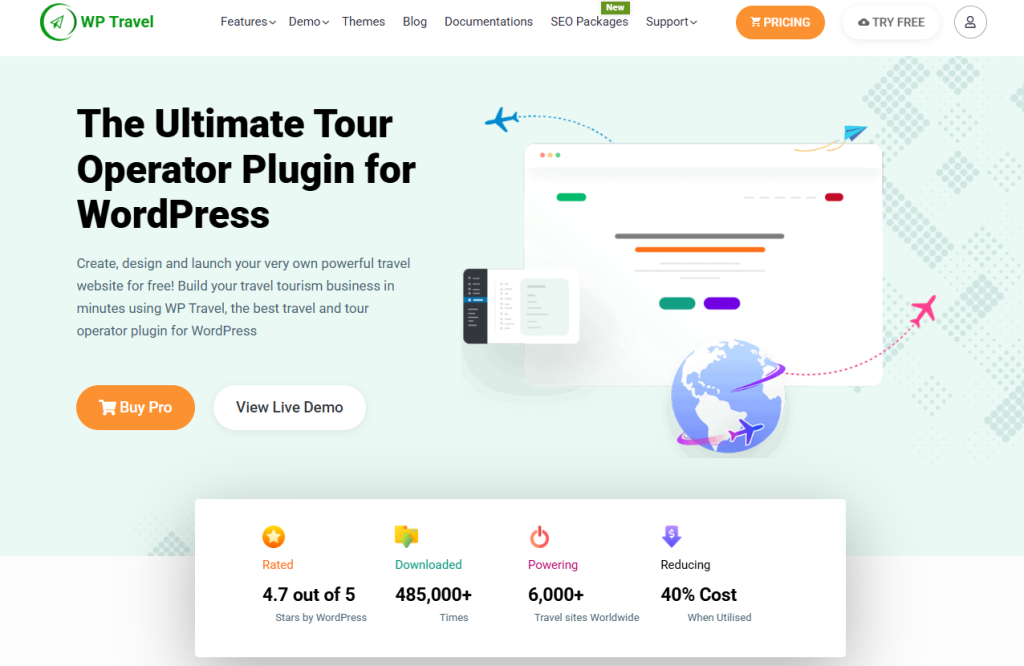
Its on-page booking keeps the reservation process on your website, rather than sending customers to a separate marketplace. You can also manage fixed departures, recurring dates, multiple pricing, inventory, group pricing, and traveler details from your dashboard. For operators looking for booking software for outdoor activities that run their own WordPress website, this setup offers a notable advantage.
WP Travel also supports partial payments, which can be useful for higher-value outdoor adventures. Customers can pay a deposit first and complete the remaining balance later. You can also add extras such as transfers, meals, insurance, equipment, or other trip-specific add-ons to the booking.
Key features:
- Multiple Traveler Management
- Custom Booking Fields
- Conditional Payment by Country
- Currency Exchange Rate
- Trip Facts
- Custom Filters
- Trip Types & Activities
- Weather Forecast
- Travel Guide
- Custom Tabs
- Itinerary Images
- Trip-Specific FAQs
- Wishlist
- Google Calendar Sync
- Zapier Integration
- Mailchimp Integration
- PDF Invoice
- Download Itinerary
- Import/Export
- PWA Mobile App
- Yoast SEO Compatibility
Strengths: WP Travel stands out when you want the booking system to remain part of your own WordPress website. You can combine trip content, SEO, booking, payments, and traveler information without sending customers to a separate hosted marketplace. Its itinerary, filtering, content, and customization features also give outdoor operators more room to build detailed trip pages.
Setbacks: WP Travel requires WordPress, so it may not suit operators seeking a standalone, hosted platform.
Pricing: WP Travel has a free version. WP Travel Pro starts at $99.99/year for 1 website. The Plus plan costs $199.99/year for 5 websites, while Expert costs $599.99/year for 25 websites. A free version is also available with limited features.
If you run a WordPress-based outdoor activity business, these must-have WordPress plugins for travel websites can help you set it up right.
2. FareHarbor
FareHarbor is an all-in-one tour operator software for adventure providers. Outdoor businesses running boat tours, ziplines, rentals, and adventure experiences can use it to manage reservations and sell activities through their own websites and partner channels. Its booking setup also supports different products, locations, and activity types.
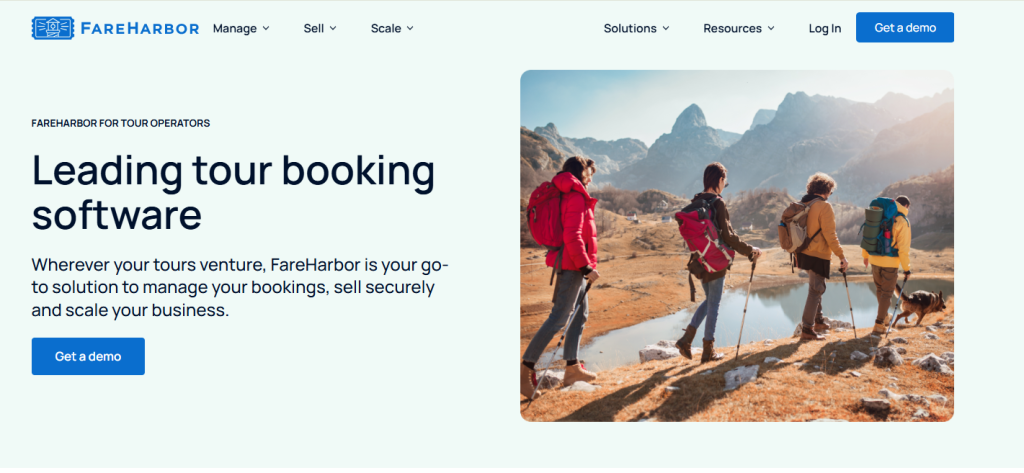
FareHarbor is a practical choice for operators handling high booking volumes. Live availability, resource tracking, and automatic assignment help coordinate equipment and guides as bookings come in. You can share inventory between activities and control capacity across different tours, rentals, and locations without manually updating each listing.
Key features:
- Dynamic Pricing
- Time & Capacity-Based Pricing
- Resource Tracking
- Automatic Resource Assignment
- Shared Inventory
- Custom Bookable Spaces
- Seat Selection
- Online Queues
- Waitlists
- Packages & Combos
- Digital Wallet Tickets
- Point of Sale
- Digital Waivers
- Automated Email & Text Messaging
- Customizable Reports
- Staff Management
- Mobile App
- API & Integrations
- Private Events Management
Strengths: FareHarbor is ideal for outdoor operators managing shared resources across busy departures. You can coordinate guides, vehicles, equipment, capacity, and customer manifests when multiple activities run simultaneously. Its OTA distribution is also useful for operators selling outdoor experiences through multiple channels.
Setbacks: FareHarbor can feel heavy for a small outdoor business running only a few simple activities. Setting up and editing activities may also take more time. Its booking fee is added to the customer’s checkout price, which can matter for price-sensitive outdoor experiences.
Pricing: FareHarbor charges up to 6% for direct bookings and 2% for API bookings.
For deeper insights into bookings and sales performance, you may also read our guide to advanced reporting for tour operators and travel agencies.
3. Peek Pro
Peek Pro is an adventure booking platform built around tours, rentals, and experience businesses. Its tools extend beyond the checkout, with features for managing guides, equipment, manifests, and on-site guest handling. This makes the platform relevant to boat tours, zipline adventures, ATV tours, jet ski rentals, guided excursions, and other scheduled outdoor experiences.
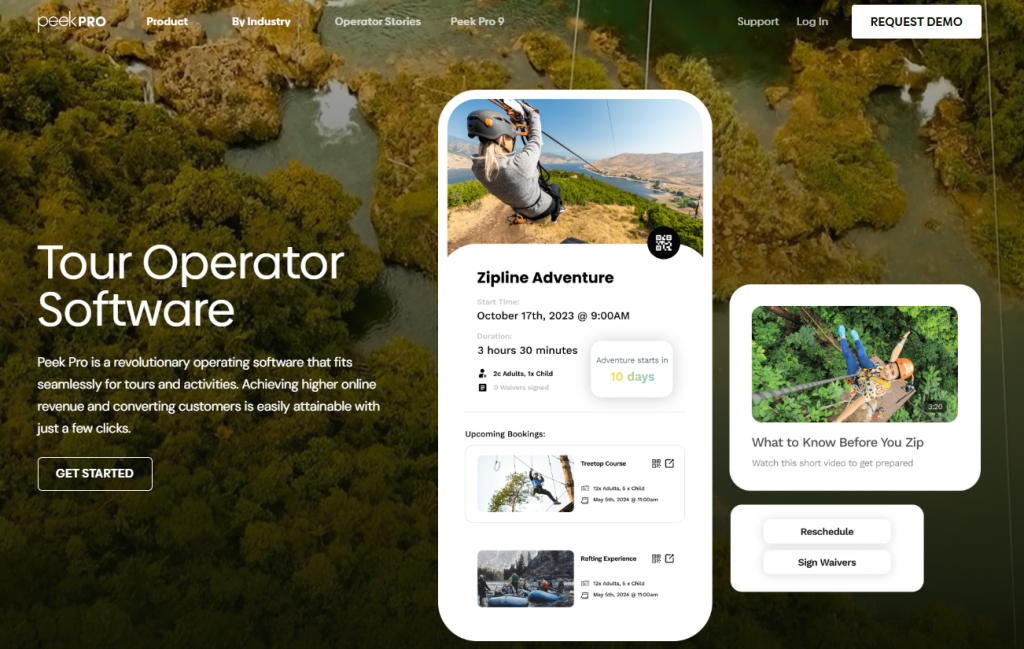
The platform keeps booking and field information accessible through its mobile apps. Your team can access manifests, check guest details, and handle check-ins from mobile devices during an activity. This keeps the information needed for boarding, arrival, and guest handling available even when your team is away from the office.
Key features:
- AI Dynamic Pricing
- Abandoned Booking Recovery
- Automated Waitlists
- Resource & Equipment Management
- Guide Management
- Custom Manifests
- Digital Waivers
- QR Check-In
- Add-ons & Bundles
- Split Payments
- Reseller Hub
- OTA Integrations
- Mobile Apps
- Point of Sale
- Customizable Reporting
- Blackout Dates
- Store Credit
- Booking Protection
- Reschedule Fees
- Affiliate Hub
- Review Automation
- Apple Pay & Google Pay
Strengths: If you manage guides, vehicles, or equipment across multiple outdoor activities, Peek Pro gives you a single place to coordinate them. You can use resource scheduling, manifests, digital waivers, and mobile check-ins without moving between separate systems. The booking experience is also designed for straightforward reservations, while the platform supports moving more bookings online.
Setbacks: Pro Peek can require careful onboarding when you a complex outdoor operation with multiple activities, resources, and booking workflows. Problems with account setup or system access can disrupt reservations, payments, and guest check-ins. It’s worth testing before moving busy rafting, watersports, rental, or adventure operations onto the platform.
Pricing: Peek Pro charges 6%–8% per online reservation, depending on your pricing agreement.
If you run boat tours, you can check our guide to the best boat tour booking software for more options.
4. The Flybook
The Flybook is activity reservation software covering tours, rentals, ticketing, rafting, adventure parks, ziplines, and lodging. You can organize different activity types, locations, and guest bookings through the platform. The system also brings rental and ticketing operations into the booking process, giving you more control than a basic tour reservation setup.
The platform also includes shared equipment management, which adds a useful layer for gear-heavy activities. You can allocate equipment to scheduled experiences, monitor its availability, and reuse the same inventory across multiple offerings. Guest equipment selections can also be recorded alongside their reservation, which works well for bike rentals, kayaking, rafting gear, and similar outdoor activities.
Key features:
- Shared Equipment Inventory
- Guest Equipment Selection
- Equipment Check-In & Check-Out
- Guide Availability Management
- Staff Scheduling
- Specialized Tour Dashboards
- Rental Dashboards
- Ticketing Dashboards
- Digital Waivers
- Pre-Arrival Preparation
- Capacity Management
- Custom Booking Flows
- Activity & Rental Packages
- Abandoned Cart Recovery
- Gift Cards & Certificates
- Memberships & Loyalty Programs
- Retail POS
- CRM & Group Sales
- Business Intelligence
- Reporting & Analytics
- Marketing Automation
- Multi-Location Operations
Strengths: If your outdoor business combines guided experiences, rentals, or ticketed attractions, The Flybook can connect these operations rather than treating each one separately. You can share equipment between offerings, prepare guests before arrival, and use different dashboards for tours, rentals, and ticketing.
Setbacks: The Flybook has a fairly detailed administrative setup, so some tasks can take more steps than expected. You may also find limitations when switching guides between different trips or managing guide availability across multiple activities.
Pricing: The Flybook offers flexible pricing, with Standard pricing at 4% per online booking or 2% on all transactions, depending on eligibility.
If you are planning to start a rental business, then you might explore our complete guide on how to start a bike rental business.
5. Rezdy
Rezdy is reliable booking software for outdoor activities, with tools covering reservations, payments, resources, distribution, and guest management. Outdoor activity providers can create bookable experiences for rafting, wildlife cruises, helicopter adventures, and other guided activities. The platform also supports different booking channels and distribution options for selling these experiences. For outdoor tour booking software, this gives you room to manage different types of guided experiences from the same booking steup.
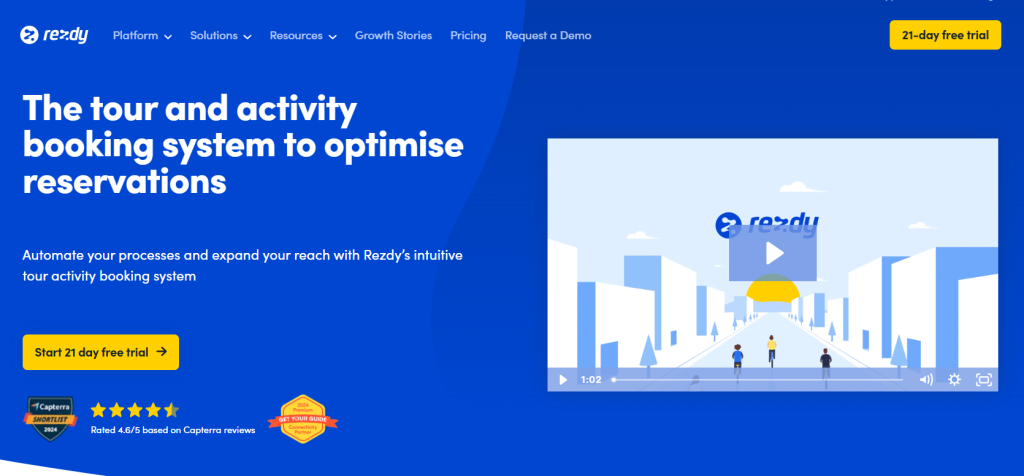
Participant details can be customized around the requirements of each activity. As adventure tour booking software, Rezdy lets you set adult, child, and group pricing, collect specific guest information, and add custom booking fields or waivers. A zipline adventure can request different details from a wildlife cruise without forcing every activity to use the same booking form.
Key features:
- Product Variations
- Participant Types
- Booking Fields
- Guest Manifests
- Packages & Extras
- Gift Cards & Vouchers
- Automated Customer Notifications
- Channel Manager
- Reseller & OTA Connections
- Website Booking Engine
- Mobile Booking Experience
- TripAdvisor Review Express
- Reporting & Analytics
- Payment Processing
- Cancellation Management
- API & Webhooks
- Booking Widgets
- Customer Management
Strengths: If you run rafting, fishing, wildlife, or other outdoor trips, Rezdy gives you detailed control over products, participants, pricing, and booking requirements. You can also connect your experiences with reseller channels, so the same availability and booking information can reach more sales sources.
Setbacks: If your outdoor business relies heavily on weather-dependent or offline bookings, check the pricing terms carefully before choosing Rezdy. Plan requirements and percentage-based charges can affect manually entered bookings. The lower plans also leave some features, such as gift cards and broader business tools, for higher tiers.
Setbacks: If your outdoor business relies heavily on weather-dependent or offline bookings, check the pricing terms carefully before choosing Rezdy. Its percentage-based booking fees can increase costs as booking volume grows. The lower plans also leave some features, such as gift cards and broader business tools, for higher tiers.
Pricing: Rezdy starts at $49 per month, plus 3% per online booking, on the Foundation plan. Accelerate costs $99 per month, and Expansion costs $249 per month, with the same 3% online booking fee.
If you run zipline tours, our guide to the booking software for zipline tours can help you compare more options.
6. Checkfront
Checkfront is booking software for tours, activities, rentals, accommodation, and adventure parks. The platform brings reservations, inventory, guest information, payments, and resource allocation into one dashboard. Adventure providers can also create daily, multi-day, or flexible booking options for different outdoor experiences.
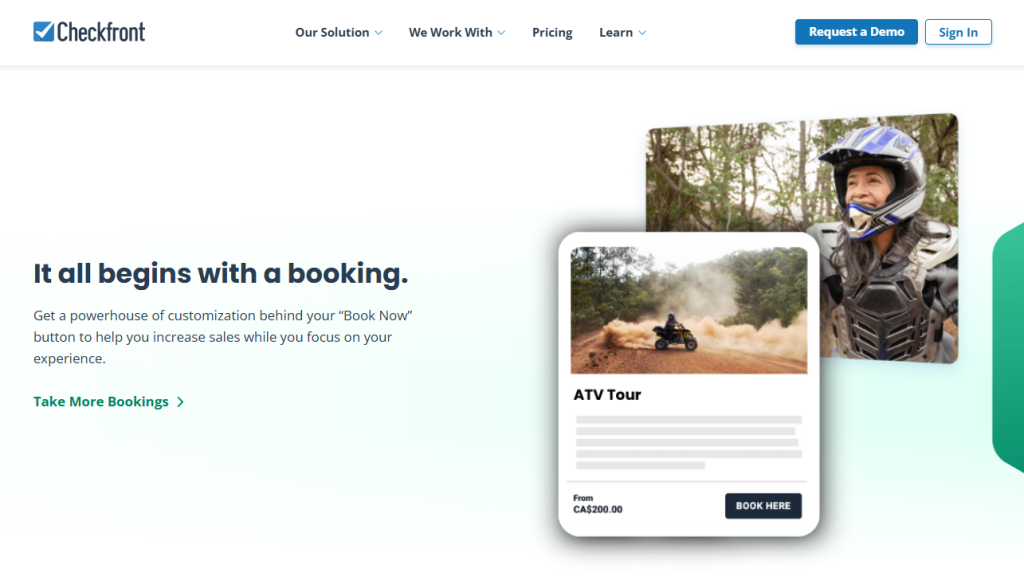
Resource management is one of Checkfront’s stronger areas. You can share vehicles, equipment, seats, or other assets across different experiences and automatically prevent double bookings. Advanced rules let you set guest limits, booking cutoffs, seasonal availability, and pricing rules. This gives you more control when the same equipment or resources support several outdoor activities.
Key features:
- Automated Resource Allocation
- Shared Asset Management
- Advanced Booking Rules
- Seasonal Pricing
- Multi-Day Bookings
- Flexible Booking Types
- Reseller Accounts
- Deposits & Buy Now, Pay Later
- Languages & Currencies
- Automated Email & SMS
- Tickets
- Staff Access Controls
- Real-Time Dashboard
- End-of-Day Reports
- Traffic & Referral Analytics
- iCal External Calendar Sync
- WordPress, Drupal & Joomla Integrations
- Zapier Integration
- Square Integration
Strengths: Checkfront gives you control over resources, seasonal availability, pricing, and multi-day bookings. You can manage equipment, rentals, tours, and guest documents from the same booking setup. For an outdoor operator, that means you can handle activities such as kayaking, rafting, rentals, and adventure park bookings without creating separate systems for each one.
Setbacks: Checkfront has a learning curve, especially when configuring complex availability, pricing, and resource rules. Setting up more advanced outdoor booking requirements may take some time before you are fully comfortable with the system.
Pricing: Checkfront currently lists $99 per month + a 3% online booking fee. There are no additional fees for offline bookings.
If you are also comparing payment processors for your booking site, our guide on Stripe vs PayPal vs Square can help you decide.
7. Bókun
Bókun is a cloud-based tour and activity booking platform with a strong focus on distribution, channel management, and direct sales. You can create outdoor experiences, manage availability and pricing, and then distribute them through OTAs, reseller agents, affiliates, and your own website. The platform currently connects operators with 2,600+ OTAs and resellers, including 70+ global OTAs.
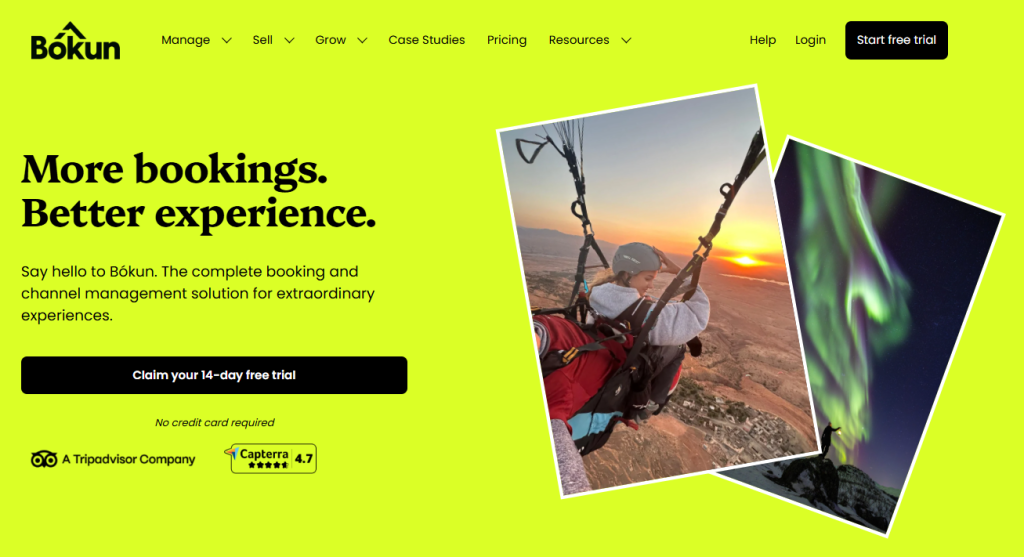
Bókun also gives outdoor businesses more control over how different experiences are sold. You can set different prices and availability for kayaking trips, rafting excursions, wildlife tours, or equipment rentals. If you already use another reservation system, the Channel Manager API can connect it to Bókun without requiring you to replace your existing setup.
Strengths: If you sell rafting, wildlife excursions, kayaking, or other outdoor experiences across multiple channels, Bókun gives you greater control over distribution and synchronization. You can manage availability across OTAs, resellers, agents, and your own website from one system.
Setbacks: For small outdoor operations, Bókun can require more configuration than a basic booking platform. The interface and setup process can take time to learn, and plan limits can affect which features and account capabilities you can access.
Pricing: Bókun offers a free plan, then START at $49/month + 1.5% per applicable booking, PLUS at $149/month + 1.25%, and PREMIUM at $499/month + 1%. Viator and offline bookings have no Bókun booking fees on the paid plans.
8. Xola
Xola is an adventure activity reservation software for tour and activity operators, covering reservations, scheduling, resources, payments, and marketing. Its outdoor activity coverage includes rafting, paddle sports, fishing charters, jet skiing, surfing, scuba diving, snorkeling, parasailing, and skydiving.
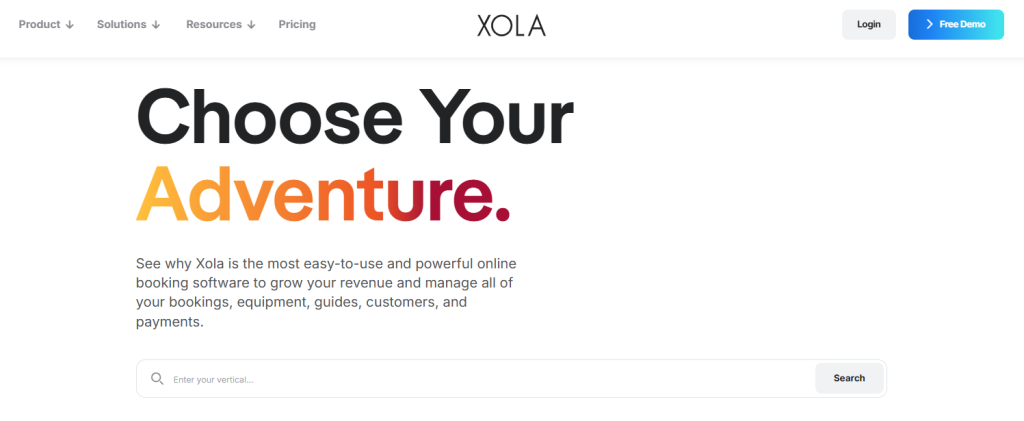
For outdoor activity operators, Xola’s resource management is useful when multiple experiences share the same equipment. You can assign boats, kayaks, boards, wetsuits, vehicles, and guides to specific activities and track their availability. As bookings come in, Xola updates resource availability to help prevent the same equipment or guide from being booked for overlapping activities.
Key features:
- Automated Cart Recovery
- Dynamic Pricing
- Coupons & Vouchers
- Add-Ons & Upsells
- Group Discounts
- Split Payments
- Waitlists
- Gated Entry
- Walk-Up Kiosk
- Customer Rosters
- Automated Staff Communications
- Mobile Command Center
- Point of Sale
- Customer Accounts
- NPS & Customer Reviews
- Automated Marketing
- Partner Distribution
- OTA Integrations
- Custom Reports
- Scheduled Report Delivery
- Xola App Store
- API & Integrations
Strengths: You get a solid combination of booking, marketing, and guest-management tools in one platform. Customizable booking pages and automated communications give you more control over guest preparation for aerial experiences, boat tours, water sports, and other outdoor activities.
Setbacks: Highly customized booking workflows can require additional setup. Some areas may also need technical assistance before you can configure them exactly around your outdoor activities.
9. Regiondo
Regiondo is a tour and activity booking platform that covers online reservations, payments, distribution, resource management, and marketing. For outdoor businesses, the platform supports activities such as bike tours, adventure experiences, rentals, and other guided excursions. Alongside those activities, you can manage bookings, pricing, customer details, and availability.
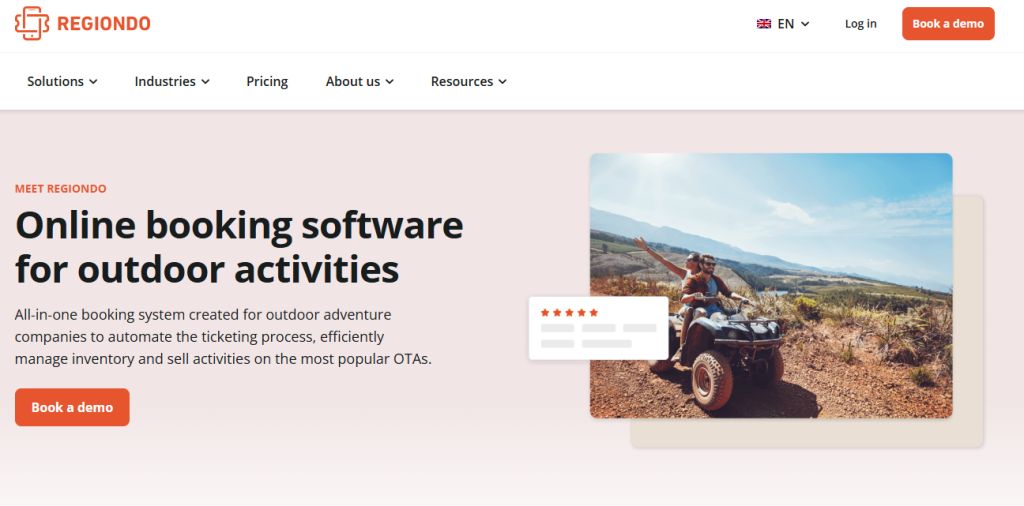
Resource management gives you more control over equipment used across outdoor activities. You can assign bikes, Segways, scooters, vehicles, or other inventory to specific experiences and monitor availability in real time. Seasonal pricing lets you adjust rates across different periods, which can be useful when demand changes between peak and quieter outdoor seasons.
Key features
- Outdoor Activity Product Setup
- Equipment Allocation
- Seasonal Offer Management
- Multi-Language Booking
- On-Site Ticket Scanning
- Mobile Guest Check-In
- Digital Ticketing
- Automated SMS Notifications
- Automated Booking Reminders
- Gift Vouchers
- Discount Codes
- Product Bundling
- Google Analytics Integration
- Google Tag Manager
- Multi-User Access
- White-Label Booking
- Custom Dashboards
- API Access
- 3,000+ Zapier Integrations
- Multi-Currency Payments
Strengths: You get dedicated tools for resource management, ticket scanning, distribution, and outdoor activity sales. For rafting, kayaking, bike tours, or adventure parks, you can link equipment availability to bookings and manage guest entry with digital tickets and scanning.
Setbacks: Regiondo may be less convenient for outdoor operators selling activities outside its stronger European market coverage. If you run rafting, kayaking, bike tours, or adventure experiences internationally, check whether its payment options, sales channels, and integrations support your target locations. Regional limitations can affect how easily you sell and manage activities across different markets.
Pricing: Regiondo’s Grow plan costs €59/month, plus additional fees for online bookings and payments. The Pro plan costs €99/month with the same additional booking and payment fees.
If you run bike tours, you can also check out our guide to the best booking software for bike tours and see how it compares.
10. WeTravel
WeTravel is a booking and payment platform focused on multi-day tours, group trips, and adventure travel. For outdoor operators, the software supports trekking, expeditions, cycling trips, rafting adventures, and other structured trips. You can create dedicated trip pages, accept bookings, collect traveler information, and set different departure dates for each experience.
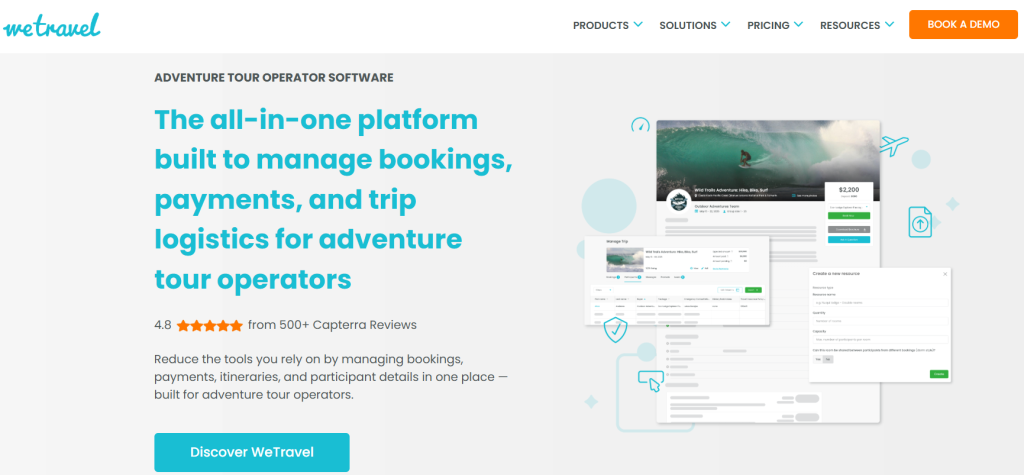
Another important part of WeTravel that helps outdoor activity providers is traveler and supplier management. You can keep passenger manifests, assign participant tasks, collect eSignatures, manage rooming information, and coordinate supplier payments. These tools become useful when your outdoor trips involve guides, accommodations, transport providers, or other suppliers across a longer itinerary.
Key features:
- Multi-Day Itinerary Builder
- Smart Import for Existing Itineraries
- Group Size Controls
- Booking Deadlines
- Room Inventory
- Participant Tasks
- Automated Payment Reminders
- Multi-Currency Checkout
- Local Payment Methods
- Auto-Billing
- Supplier Payouts
- Partner Hub
- Traveler Mobile App
- Live Flight Tracking
- Interactive Maps
- Trip Page Widgets
- Book Now Buttons
- Contribution Pages
- Carbon Offset Option
- Custom Trip Questionnaires
- Scheduled Group Messages
Strengths: Payment plans, automated reminders, and booking pages give you useful controls for multi-day outdoor trips. You can collect deposits and scheduled payments instead of requiring the full trip cost upfront. That works well for trekking, cycling tours, expeditions, and group adventure trips where travelers pay over several weeks or months.
Setbacks: Payment timing can become a concern if your outdoor business depends on predictable access to trip revenue. Some transactions may involve additional processing fees, and payment transfers can take longer than expected in certain situations. Check the payment terms carefully if you regularly need to pay guides, transport providers, or accommodation suppliers before your trips begin.
Pricing: WeTravel has a Basic plan at $0/month and a Pro plan at $79/month per organization. There are no payment processing fees for transactions.
You may also read our comparison guide to the 12 best tour booking software for multi-day operators.
How to Select the Best Booking Software for Outdoor Activities
Choose a booking software for outdoor activities that fits your activities, schedules, capacity, guides, equipment, and payment needs. Look for online bookings, availability management, digital waivers, mobile access, and automated reminders. It should also handle seasonal changes, group bookings, integrations, and multi-day trips if your business needs them.
1. Match the software to your activity model
Choose software that fits how customers actually book your experiences. A rafting company with fixed departures needs different controls than a trekking operator selling multi-day trips or a kayak business managing hourly rentals.
Check whether the system supports your activity types, private and group bookings, recurring departures, rentals, and multi-day trips. This prevents you from paying for tools you will rarely use.
2. Check capacity and availability controls
Outdoor activities often have strict participant limits. A rafting trip may depend on boat capacity, while a guided hike may depend on the number of available guides.
Your booking system should update availability as reservations come in. It should also prevent overbooking when several activities share the same guide, vehicle, equipment, or departure slot. Real-time availability and resource scheduling are recurring requirements across outdoor-focused platforms.
3. Look beyond basic equipment inventory
If you rent kayaks, bikes, climbing gear, skis, or safety equipment, check how the software handles those resources. A simple booking calendar may show that a customer has reserved a trip without telling you whether the required equipment is still available.
Look for resource allocation, equipment tracking, rental availability, and inventory limits. These become especially important when several activities use the same gear.
4. Make waivers part of the booking flow
If your activities require liability forms, choose software that lets guests complete digital waivers before arrival. Check whether you can collect activity-specific information alongside the waiver.
For rafting, ziplining, climbing, ATV tours, and other high-risk experiences, this can help your team confirm that the required forms are completed before guests arrive. It also gives guides access to relevant participant details before the activity starts.
5. Test weather and seasonal flexibility
Weather can change an outdoor schedule faster than your booking calendar can. Your software should make it easy to close departures, move reservations, or communicate schedule changes when conditions become unsuitable.
Also check how easily you can manage seasonal activities. Skiing, rafting, whale watching, and hiking businesses may have completely different availability across the year.
6. Consider guide and staff scheduling
Your booking calendar should not exist separately from your team’s schedule. If one guide can handle eight guests, the system should reflect that limit when customers book.
For larger operations, look for staff availability and resource scheduling rather than simple appointment slots. This becomes more valuable when multiple guides, vehicles, or activities operate simultaneously.
7. Prioritize a mobile-friendly booking experience
Outdoor customers often book activities from their phones while planning a trip. A complicated checkout can turn that interest into an abandoned booking.
Test the complete journey on a phone. Customers should be able to choose an activity, select a time, enter their details, complete payment, and receive confirmation without unnecessary steps. Mobile booking is a key differentiator among current tour and activity platforms.
8. Check OTA and reseller connections
If you sell through GetYourGuide, Viator, travel agents, or other resellers, your software needs to keep those channels synchronized. Otherwise, you may end up updating availability manually across several platforms.
An outdoor activity booking software solution with channel management can centralize availability while helping you expand beyond direct website bookings.
9. Compare pricing against your booking volume
Don’t compare monthly subscription prices alone. A platform with no monthly fee can still cost more once per-booking charges accumulate.
Calculate the likely cost using your average monthly bookings, booking value, direct sales, and OTA volume. Current competitors use different models, including subscriptions and booking-based fees, so your actual volume matters more than the headline price.
10. Check whether it can grow with your operation
Your first requirement might be simple online reservations. Later, you may need multiple locations, more guides, equipment rentals, reseller channels, or more complicated scheduling.
Choose booking software for outdoor activities that can handle that growth without forcing you to rebuild your entire booking process. This matters specifically for operators moving from a few weekly departures to high-volume or multi-location operations.
11. Review reporting and customer data
Your booking data should help you understand which activities sell, when demand peaks, and where cancellations occur. Useful reports can also show booking sources, revenue, occupancy, and customer behavior.
This becomes more valuable as your business grows. Instead of relying on separate spreadsheets, you can use those insights to adjust departure times, pricing, staffing, or seasonal availability.
12. Don’t overlook integrations
Check what it connects to before choosing it. Payment gateways, accounting tools, email platforms, website builders, CRMs, calendars, and marketing systems can all affect your daily workflow.
A platform with a strong integration ecosystem may save you from manually transferring customer or booking information. API access can also matter if you have a custom website or a more complex technology stack.
You may also read: Best Whale Watching Booking Software
Conclusion
Choosing the right booking software for outdoor activities can simplify reservations, scheduling, and day-to-day operations while improving the guest booking experience. Whether you offer rafting trips, kayaking tours, zipline adventures, equipment rentals, or multi-day expeditions, the software should match your booking needs, support your operations, and scale as your business grows.
WP Travel stands out by giving you ownership of your booking website while letting you manage outdoor trips directly through WordPress. WP Travel Pro adds advanced capabilities, including multiple trip dates, flexible pricing, group bookings, inventory management, and partial payments. It also supports additional integrations for growing businesses. You can shape the booking system around your business. At the same time, you retain control over your website, branding, and customer data.

FAQs
1. Can outdoor booking software handle weather-related cancellations?
Yes. Booking software can let you close affected departures, update availability, reschedule guests, and manage cancellations when weather makes an activity unsafe. Look for controls that let you change schedules quickly without editing each reservation individually.
2. Can I manage equipment rentals alongside outdoor activities?
Yes. Software with rental and resource management can connect equipment to specific bookings. You can manage kayaks, bikes, boats, ATVs, or safety gear alongside guided activities. This keeps rental inventory connected to the reservations using those resources.
3. How can booking software help during peak outdoor seasons?
It helps you manage higher reservation volumes without relying on manual calendars. Capacity controls, resource allocation, automated confirmations, and online payments reduce repetitive administrative work. Seasonal pricing and availability controls also let you adjust activities as demand changes.
4. Can I sell several outdoor activities through one website?
Yes. You can list multiple experiences on the same booking website and assign each activity its own pricing, availability, participant requirements, and booking details. A single site can therefore handle rafting, kayaking, hiking, ziplining, rentals, and other outdoor experiences.
5. What happens when two activities need the same equipment?
Resource management can prevent the same equipment from being assigned to overlapping bookings. You can link shared inventory to multiple activities and let availability change as reservations come in. This helps when one fleet of boats, bikes, kayaks, or vehicles supports several experiences.
6. Can booking software collect different information for each activity?
Yes. Custom booking fields let you request activity-specific information. A rafting trip might need emergency contact details and equipment preferences, while a bike tour could request rider information. The booking form can reflect those different requirements.
7. Can outdoor booking software manage multiple activity locations?
Yes. You can organize activities by location and manage their schedules, capacity, resources, and bookings separately. This is useful for businesses operating adventure parks, rental points, guided tours, or outdoor experiences from several meeting locations.

Suwash Kunwar is the co-founder of WP Travel plugin, one of the best WordPress tour booking solutions for travel businesses. With 10+ years of experience in WordPress development, business strategy, and online growth, he has helped thousands of travel businesses establish and scale their digital presence.
Suwash specializes in website creation, business planning, and travel industry growth strategies. He shares practical insights on setting up travel websites, optimizing workflows, and leveraging digital tools to maximize bookings and revenue.