A travel website needs reliable hosting to keep tour pages, images, booking forms, and payment processes running smoothly. Slow loading times or frequent downtime can quickly hurt your visitors’ experience and reduce bookings.
The right WordPress hosting provider can improve your site speed, security, uptime, and ability to handle growing traffic.
In this guide, we will compare the best WordPress hosting providers for travel websites. We will also explain their key features, ideal use cases, pricing factors, and what to consider before choosing a hosting plan.
Table of contents
- Quick Comparison of the Best WordPress Web Hosting Providers
- Top 10 WordPress Web Hosting Providers for a Travel Site
- How to Choose the Best WordPress Hosting Provider for Your Travel Site?
- Conclusion
- FAQs
- 1. How to choose the best WordPress hosting provider?
- 2. What are the best managed WordPress hosting providers for performance?
- 3. Can I move my travel website to another hosting provider later?
- 4. Does the server location matter for a travel website?
- 5. Can I host multiple travel websites under one hosting account?
- 6. Do I need email hosting with my WordPress hosting?
- 7. Can I change my hosting plan as my travel business grows?
Quick Comparison of the Best WordPress Web Hosting Providers
The table below compares the top WordPress hosting providers by their standout capabilities, entry-level resources, ideal use cases, and starting prices. It gives you a quick way to see which hosting option fits your travel website before reviewing each provider in detail.
| Hosting Provider | Standout Capability | Entry-Level Resources | Best For | Starting Price |
|---|---|---|---|---|
| Hostinger | Managed WordPress tools, LiteSpeed-based performance, AI WordPress Agent, and an easy hPanel workflow | 3 websites, 20 GB SSD storage, weekly backups | Travel bloggers and small agencies looking for an affordable managed setup | $2.99/month |
| SiteGround | Multilevel caching, geo-distributed daily backups, WordPress AI Agent, and strong staging/developer workflow | 1 website, 10 GB storage, around 10,000 monthly visits | Travel agencies that frequently update plugins, booking systems, and site content | $2.99/month |
| Bluehost | Beginner-oriented WordPress setup, AI site creation, global data centers, and a 99.99% uptime SLA | 10 websites, 10 GB NVMe storage, around 40,000 visits/month | New travel businesses wanting an easier path from setup to a working WordPress site | $3.99/month |
| DreamHost | Unmetered bandwidth, daily backups, NVMe storage, and built-in performance scans | 25 websites, 25 GB NVMe storage, around 40,000 visits/month | Travel blogs and content-heavy destination websites | $1.99/month |
| Kinsta | Built-in APM, managed WAF, edge delivery, database optimization, and isolated WordPress infrastructure | 1 WordPress install, 10 GB storage, 20 GB server bandwidth, 125 GB CDN bandwidth | Established travel and booking sites where performance monitoring matters | $35/month |
| WP Engine | EverCache plus dedicated development, staging, and production workflows | 1 site, around 25,000 visits, 10 GB storage, 75 GB bandwidth | Agencies and travel businesses with developers regularly testing site changes | $30/month |
| Cloudways | Choice of cloud infrastructure with scalable server resources and centralized management | 2 GB RAM, 1 vCPU, 50 GB storage, 2 TB transfer | Growing booking sites needing infrastructure flexibility and seasonal scaling | $11/month |
| Rocket.net | Cloudflare Enterprise delivery, full-page edge caching, unmetered visitors, and unlimited PHP workers | 1 WordPress site, 10 GB storage, 50 GB bandwidth | International, image-heavy travel sites focused on fast global delivery | $30/month |
| Pressable | Automattic WP Cloud infrastructure, automatic scaling, dedicated PHP workers, and geo-redundant hosting | 1 WordPress install, 20 GB storage, up to 30,000 visits | Booking and WooCommerce travel sites that may experience traffic spikes | $20.83/month |
| Namecheap EasyWP | Simplified containerized WordPress hosting with unlimited bandwidth and an easy management dashboard | 1 WordPress site, 10 GB NVMe storage, free CDN | Travel bloggers and small agencies wanting straightforward WordPress hosting | Free first month; then $9.88/month |
You may also read: How to Create A Travel Website Using WordPress?
Top 10 WordPress Web Hosting Providers for a Travel Site
The best WordPress hosting providers for travel sites include Hostinger, SiteGround, Bluehost, DreamHost, Kinsta, WP Engine, Cloudways, Rocket.net, Pressable, and Namecheap. Each suits different needs, from small travel blogs to high-traffic booking websites.
1. Hostinger
Hostinger is a strong choice for travel businesses that want affordable managed WordPress hosting without giving up essential performance features. Its WordPress hosting uses LiteSpeed servers, smart caching, CDN support, and a 99.9% uptime guarantee. These features suit travel sites that depend on destination images, tour pages, booking forms, and visitors from different locations.

It also handles many routine WordPress tasks for you. Hostinger supports automatic WordPress updates, automatic migration, staging, WP-CLI, object caching, backups, and WooCommerce optimization. Therefore, you can spend less time maintaining your hosting setup and more time managing your tours and website content.
Key Features:
- LiteSpeed Performance: Uses LiteSpeed servers and caching to improve WordPress loading speed.
- Hostinger CDN: Delivers website content through a distributed network, which can help international travelers access your pages faster.
- WordPress Staging: Create a separate staging environment before applying plugin, theme, or booking-system changes to your live site.
- Object Cache: Stores frequently requested database information to reduce repeated processing on supported plans. This can benefit content-heavy WordPress sites.
- Automatic WordPress Management: Includes WordPress installation, updates, migration tools, and other managed features.
- Backup Tools: Backup frequency varies by plan, from weekly backups on Premium to daily or on-demand backups on higher plans.
Pros:
- Includes CDN and performance optimization for media-heavy travel pages
- Provides a simple managed WordPress setup for users with limited technical experience
- Supports staging for safely testing travel plugins and website changes
- Includes WooCommerce optimization for travel sites that use WooCommerce
- Offers cloud plans when your website grows or receives heavier traffic
- Provides 24/7 expert support across its current WordPress hosting plans
Cons:
- The lowest advertised prices require a 48-month upfront purchase
- Renewal prices are considerably higher than introductory rates
- Premium includes weekly rather than daily backups, which may be less suitable for travel sites receiving frequent bookings
Pricing:
Hostinger starts at $2.99/month for Premium, while the Unlimited plan costs $3.79/month and Cloud Startup costs $7.99/month on a 48-month term.
Best For:
Hostinger is best for travel bloggers, agencies, and growing tour operators that want managed WordPress hosting with caching, CDN, backups, security, and straightforward site management. Its worldwide server locations also make it a practical option for travel businesses targeting visitors across multiple countries.
2. SiteGround
SiteGround offers managed WordPress hosting built around automatic maintenance, performance optimization, security, and hands-on support. Its WordPress plans include managed updates, free migration, SSL, CDN, daily backups, multilevel caching, and SiteGround’s Speed Optimizer and Security Optimizer plugins. The platform also includes WP-CLI and SSH access, while higher plans add staging and other developer-oriented tools.

A useful advantage for travel websites is SiteGround’s global infrastructure. Customers can choose among 11 data centers across four continents, and the built-in CDN helps serve static content such as images, CSS, and JavaScript from locations closer to visitors. That can be valuable for sites displaying large destination images or attracting customers from different countries.
Key Features:
- Multilevel Caching: Uses static, dynamic, and database-level caching to improve WordPress performance.
- Daily Backups: Automatically creates daily backups, with up to 30 copies available on shared hosting.
- WordPress Staging: GrowBig and GoGeek let you test plugins, themes, or design changes before deploying them to the live site.
- Built-in CDN: Distributes cached files through SiteGround’s CDN to reduce the distance between content and visitors.
- Managed Security: Includes a constantly updated WAF, AI-powered bot protection, SSL, and proactive infrastructure monitoring.
Pros:
- Free WordPress migration and managed updates
- Daily geo-distributed backups
- Built-in caching, CDN, and SSL
- Staging available on GrowBig and GoGeek
Cons:
- Renewal prices are much higher than the first-year promotional prices
- StartUp supports only one website and provides 10 GB of storage
- Staging and on-demand backups are not included with StartUp
Pricing:
SiteGround starts at $3.99/month for StartUp, $6.69/month for GrowBig, and $10.69/month for GoGeek, with all plans prepaid for 12 months.
Best For:
SiteGround is best for travel agencies, tour operators, travel blogs, and growing booking websites that want managed WordPress hosting with strong caching, image optimization, backups, and security.
3. Bluehost
If you want to get your travel website online without dealing with too many technical tasks, Bluehost gives you a simple WordPress setup from the start. It includes managed updates, free SSL, a free CDN, NVMe storage, staging, caching, malware scanning, and WordPress support. These tools can help you manage image-rich destination pages, tour content, and booking plugins from one hosting account.
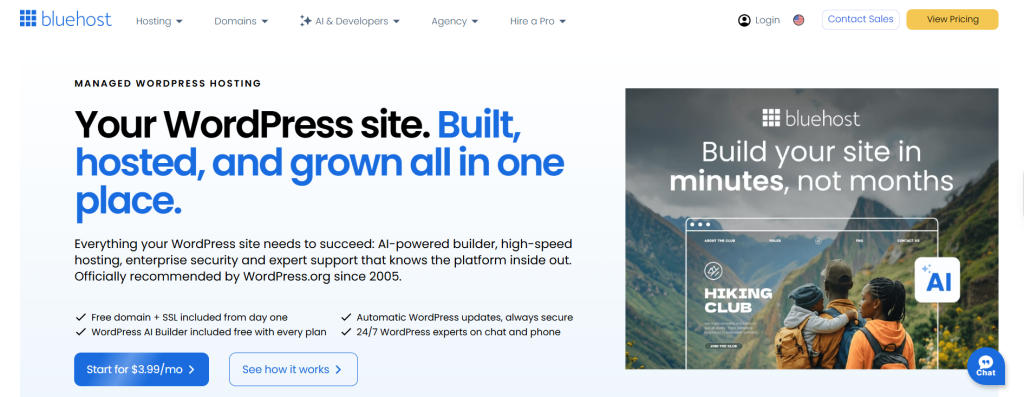
As your traffic grows, Bluehost gives you room to move to plans with more storage and higher visitor limits. Its Starter plan supports up to 10 websites and is listed for about 40,000 visits per month. Business raises this to 50 websites and around 200,000 visits. You also get object caching, WP-CLI, SSH, and a staging site across these plans.
Key Features:
- Free CDN: Helps serve your images, CSS, and other static files closer to visitors in different locations
- NVMe SSD Storage: Provides faster storage for your WordPress files and database
- WordPress Staging: Lets you test new themes, booking plugins, and site changes before publishing them
- Object and Static Caching: Reduces repeated server work and helps pages load faster
- Managed WordPress Updates: Bluehost handles WordPress updates and informs you before major changes
- Built-in Security: Includes SSL, malware scanning, a web application firewall, and DDoS protection
Pros:
- Gives you a free domain for the first year on eligible plans
- Includes free WordPress migration tools
- Provides staging even on the Starter plan
- Supports SSH and WP-CLI for more technical site management
Cons:
- Renewal rates are higher than the introductory prices
- Starter gives you only 10 GB NVMe storage, which may feel limited for image-heavy travel sites
- Bluehost uses shared resources on its standard WordPress plans, so performance can vary when traffic rises
Pricing:
Bluehost currently starts at $3.99/month for Starter, $6.99/month for Business, and $14.99/month for eCommerce Essentials on a 36-month term.
Best For:
Bluehost fits new and growing travel websites that want WordPress hosting with built-in setup, staging, caching, CDN, and security tools. It is especially useful if you want an easier hosting dashboard while still having room to scale your tours, destination content, or online booking setup.
You may also read: Travel Website Development Cost
4. DreamHost
DreamHost fits travel sites that need simple WordPress hosting with generous traffic limits and daily backups. Its standard WordPress plans include NVMe SSD storage, unmetered bandwidth, free SSL, automated backups, and performance scans. This makes it suitable for
destination guides, tour pages, blogs, and growing travel websites that publish content often.
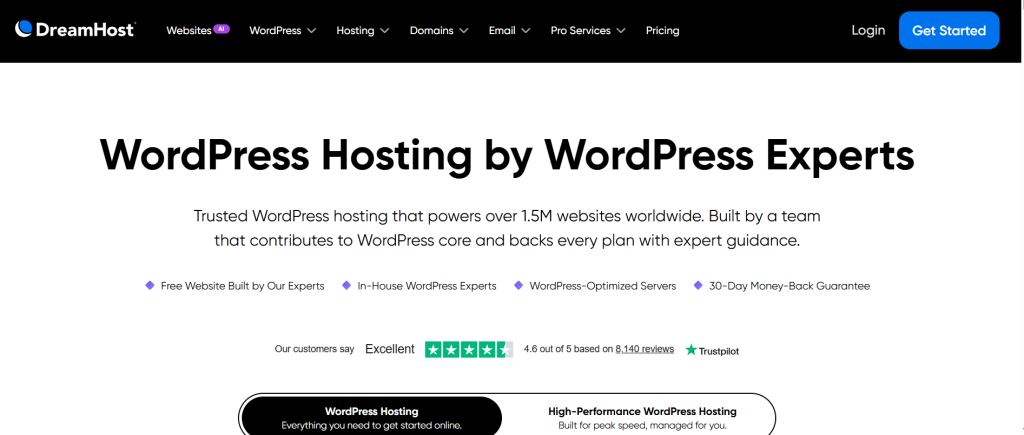
If your travel business needs more control, DreamHost also offers DreamPress managed WordPress hosting. DreamPress adds Bunny CDN, NGINX caching, staging, on-demand backups, and WordPress-focused performance tools. These features become useful when your site handles more bookings, images, plugins, or seasonal traffic.
Key Features:
- NVMe SSD Storage: Helps your WordPress files and database load faster
- Daily Backups: DreamHost creates automated daily copies of your website
- Unmetered Bandwidth: You do not get a fixed bandwidth limit on its WordPress plans
- Performance Scans: Built-in scans can help you find WordPress performance issues
- Bunny CDN with DreamPress: Delivers images and other site files through a global network
- 1-Click Staging: DreamPress lets you test travel plugins and site changes away from your live website
Pros:
- Provides free WordPress migration
- Gives you unmetered bandwidth
- Offers 24/7 WordPress support
- DreamPress adds caching, CDN, staging, and failover protection
Cons:
- DreamPress does not provide root or sudo access
- Custom changes to the DreamPress Nginx configuration are not supported
- Additional caching or proxy tools can conflict with DreamPress’s built-in caching configuration
Pricing:
DreamHost WordPress hosting currently starts at $1.99/month for Launch, $3.49/month for Growth, and $7.99/month for Scale on its four-year promotional term.
Best For:
DreamHost works best for travel blogs, small travel agencies, destination websites, and growing tour businesses that want simple WordPress hosting with daily backups and generous traffic limits. If your booking site needs stronger caching, CDN delivery, or staging, DreamPress offers a better fit.
5. Kinsta
Kinsta is a premium managed WordPress host built for websites that need fast performance, strong security, and reliable traffic handling. It combines server-level caching, Cloudflare CDN, edge caching, and performance monitoring. These features make it a strong choice for travel websites with international visitors, booking activity, and seasonal traffic spikes.

You also get the MyKinsta dashboard to manage backups, caching, redirects, PHP settings, and staging sites. In addition, you can test booking plugins, themes, and other updates before applying them to your live travel website.
Key Features:
- Edge Caching: Serves cached pages closer to your visitors for faster loading
- Built-in CDN: Delivers images and other files through Cloudflare’s global network
- Performance Monitoring: Helps you find slow plugins, database queries, and other speed issues
- Staging Environment: Lets you test website and booking-system changes before publishing them
- Daily Backups: Automatically backs up your WordPress website every day
- Managed Security: Includes DDoS protection, SSL, firewall protection, and malware removal
Pros:
- Provides automatic daily backups
- Includes CDN and edge caching
- Provides built-in performance monitoring
- Includes staging for safe website updates
Cons:
- Resource limits can feel restrictive during traffic spikes
- Server-side caching can make development changes harder to debug
- Complex support cases may involve repeated explanations to different agents
Pricing:
Kinsta starts at $35/month, or about $30/month with annual billing, depending on the selected WordPress hosting plan.
Best For:
Kinsta is best suited to established travel agencies, tour operators, and booking websites where performance problems can directly affect inquiries or sales. Its isolated hosting architecture and built-in APM are especially useful for dynamic WordPress sites that need closer performance monitoring and more controlled infrastructure.
6. WP Engine
WP Engine is built around a structured WordPress workflow rather than simple shared-hosting management. Each website can have separate development, staging, and production environments, allowing developers to test booking-plugin updates, redesigns, or new integrations before pushing them to the live site. Its platform also supports Local development, SSH, GitHub Actions, activity logs, and transferable sites, which makes it particularly useful when an agency or development team manages the website.
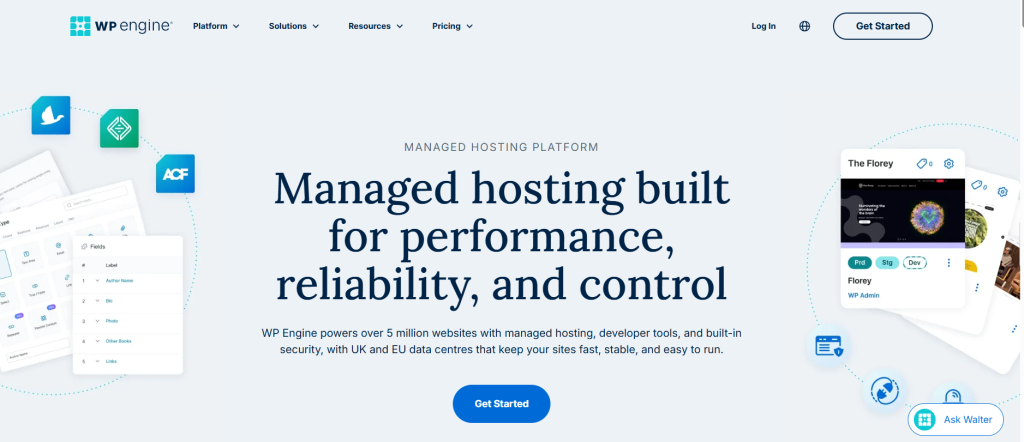
Performance is handled through EverCache, WP Engine’s WordPress-specific caching system, together with edge delivery through a global CDN. The platform is designed to absorb increases in traffic, while higher-capacity options provide isolated resources for more demanding workloads. That can matter for travel sites experiencing sudden traffic around seasonal campaigns, destination launches, or popular tour departures.
Key Features:
- Dev, Stage & Production Environments: Maintain separate versions of a site for development, testing, and live use
- EverCache: Uses WordPress-optimized server caching to reduce processing and improve page delivery
- Performance Reporting: Provides Core Web Vitals and site-performance information through the WP Engine portal
- GitHub Actions: Automate deployments as part of a more structured development workflow
- Transferable Sites: Build and prepare websites before transferring ownership to a client account
Pros:
- Provides separate development, staging, and production workflows
- Includes daily and on-demand backup points
- Offers WordPress-specific technical support around the clock
- Supports SSH and modern deployment workflows
Cons:
- Performance can trail some cheaper competitors
- The platform may feel complex for beginners
- Some WordPress plugins are restricted
Pricing:
WP Engine UK starts at £25/month for Startup, followed by £42/month for Professional, £84/month for Growth, and £217/month for Scale, while Core starts at £312/month.
Best For:
WP Engine is best suited to established travel businesses, agencies, and booking websites that regularly test changes and need a more controlled development workflow. It is particularly useful when several people manage the site or when reliability during campaigns and traffic spikes is important.
You may also read: How to Manage a WordPress Travel Website Domain?
7. Cloudways
Cloudways stands apart from conventional WordPress hosts by placing a managed layer over cloud infrastructure from DigitalOcean, AWS, Google Cloud, Vultr, and Linode. Rather than committing a website to one fixed hosting network, you can choose the infrastructure and server resources that match your traffic and location, then handle deployment, monitoring, backups, and scaling through the Cloudways dashboard.
This flexibility makes sense for travel businesses whose traffic can change significantly during holiday periods, seasonal campaigns, or popular tour launches. Multiple WordPress sites can be managed from one account, while staging and cloning let teams test booking-plugin updates or website changes separately before touching the live site.
Key Features:
- Cloud Provider Choice: Select infrastructure from DigitalOcean, AWS, Google Cloud, Vultr, or Linode
- Vertical Scaling: Increase server resources as traffic and processing demands grow
- Advanced Staging & Cloning: Test updates or duplicate applications without working directly on the live site
- Lightning Stack: Uses an NGINX-based stack with optimized caching and request handling
- Cloudways Copilot: Monitors servers and applications for critical issues and suggests actionable fixes
Pros:
- Flexible month-to-month and hourly billing
- Unlimited websites and visits on Flexible hosting
- Easy server scaling from one dashboard
- Built-in Redis and Object Cache Pro
Cons:
- Cloud terminology can create a learning curve for beginners
- Email hosting is not built into the core service
- Costs can rise as server requirements increase
Pricing:
Cloudways Flexible currently starts at $11/month, while its autoscaling Cloudways Autonomous service starts at $99/month for the Growth option.
Best For:
Cloudways is best for growing travel agencies, developers, and booking websites that want greater control over server resources and cloud infrastructure. It is especially useful for sites with seasonal traffic patterns or multiple WordPress installations that need room to scale.
8. Rocket.net
Rocket.net is a fast and secure managed hosting platform built only for WordPress. Its hosting runs behind Cloudflare Enterprise, with full-page caching across 330 edge locations, an enterprise WAF, malware protection, and a 99.99% uptime guarantee. This setup can keep tour pages, destination guides, and image-heavy travel content fast for visitors in different countries.
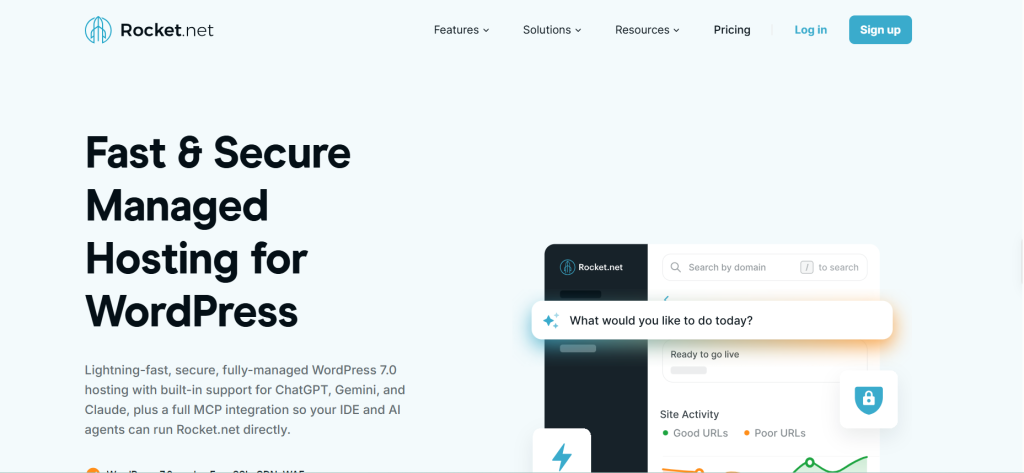
The platform also handles many daily hosting tasks for you. Automated backups, WordPress updates, staging, SSL, and free migrations come built into the service. Rocket.net allows unmetered visitors on its current managed plans, which can be valuable when your travel site receives sudden seasonal traffic.
Key Features:
- Enterprise CDN: Caches your pages across Cloudflare’s global edge network for faster worldwide delivery
- Enterprise WAF: Filters harmful traffic before it reaches your WordPress server
- Real-Time Malware Protection: Scans files and helps block malicious activity
- Daily Backups: Automatically saves your site and keeps backup copies for recovery
- Staging: Lets you test booking plugins, themes, and updates before changing your live site
- Free Migrations: Rocket.net’s team can move your WordPress sites from another host at no extra cost
Pros:
- Delivers strong global speed through full-page edge caching
- Handles high visitor numbers without metered visit limits
- Builds CDN, security, backups, and SSL into the hosting platform
- Keeps its control panel simple for WordPress management
Cons:
- Email hosting is not included
- Feature set is narrower than broader hosting platforms
- Storage allowances are relatively modest
Pricing:
Rocket.net costs $30/month for Starter, $60/month for Pro, $100/month for Business, and $200/month for Expert, while annual billing lowers them to $25, $50, $83, and $166 per month, respectively.
Best For:
Rocket.net is best suited to travel agencies, booking websites, and international tour operators that prioritize fast global delivery and strong WordPress security. Its edge caching and Enterprise CDN are especially useful for image-heavy travel sites serving visitors across multiple regions.
You may also read: Best WordPress Themes for Travel Website
9. Pressable
Pressable is a reliable hosting option for WordPress users who want more than just a place to store their website. Built on Automattic’s WP Cloud, it combines managed WordPress hosting with caching, security, backups, and automatic scaling. This can help your travel site stay stable when booking demand or seasonal traffic suddenly increases.
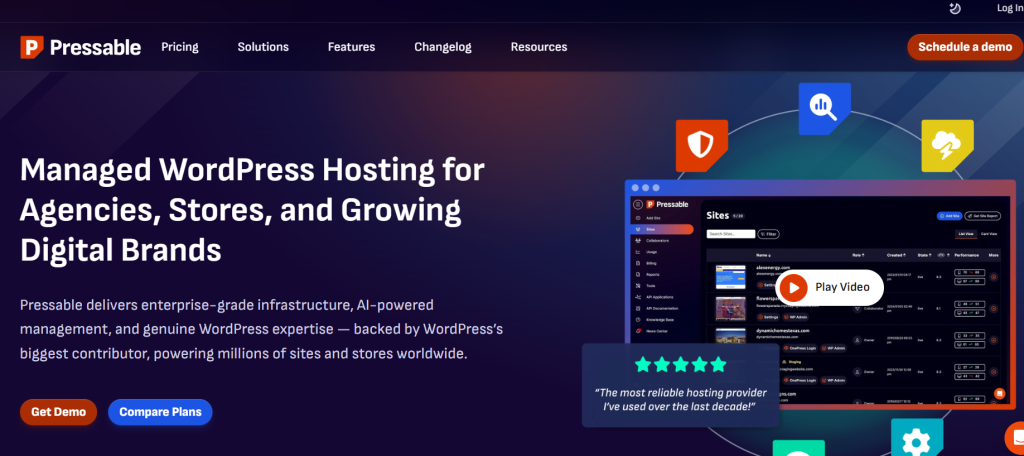
It also takes care of many routine hosting tasks for you. Pressable handles WordPress updates, daily and hourly backups, failover, and site migrations. Meanwhile, staging, SSH, Git, and WP-CLI let you test booking plugins or other changes before updating your live site.
Key Features:
- Automatic Scaling: Adjusts server resources when your traffic rises.
- Edge Caching: Delivers cached pages closer to your visitors for faster loading.
- Global CDN: Helps serve your travel content quickly across different regions.
- Frequent Backups: Creates hourly, daily, and on-demand restore points.
- Staging Tools: Let you test themes, booking plugins, and site changes before publishing them.
- Jetpack Security: Adds WAF protection, security patches, and other WordPress safeguards.
Pros:
- Handles traffic spikes through automatic scaling
- Uses several layers of caching for faster page delivery
- Supports unlimited free site migrations
- Creates frequent backups for easier recovery
Cons:
- Domain registration must be handled elsewhere
- Email hosting is separate from the main hosting service
- Server-level control is more limited than unmanaged hosting
Pricing:
Pressable starts at $25/month for one WordPress site with 30,000 monthly visits and 20 GB storage, while its Agency plan starts at $90/month and Premium Site plans begin at $350/month.
Best For:
Pressable is best for growing travel agencies, WooCommerce-based booking businesses, and teams that value automatic scaling and high availability. Its WP Cloud infrastructure is particularly relevant when the website needs to remain stable during traffic spikes without frequent server management.
10. Namecheap
Namecheap runs its managed WordPress hosting under EasyWP, a cloud-based platform built for simple WordPress management. Each site runs inside an isolated cloud container with dedicated CPU, RAM, storage, and caching. That setup keeps your site away from the resource sharing found in normal shared hosting. For a travel website, this can help your destination pages, booking content, and image galleries stay more stable as traffic changes.
EasyWP also keeps routine hosting work simple. You can manage backups, migrations, SSL, CDN, WordPress updates, and SFTP access from its own dashboard. Starter supports up to 50,000 monthly visits, while Turbo and Supersonic raise that to 200,000 and 500,000 visits.
Key Features:
- Isolated Cloud Resources: Your website gets dedicated cloud resources instead of sharing them with other hosting accounts.
- NVMe Storage: EasyWP uses fast NVMe storage, starting at 10 GB and reaching 100 GB on Supersonic.
- Free CDN: Global CDN servers help your travel content reach visitors from different regions faster.
- EasyWP Cache: Built-in caching reduces repeated server work and improves WordPress page delivery.
- Automatic Updates: You can automate updates for WordPress, themes, and plugins.
- HackGuardian: Security tools help protect your WordPress site, while higher plans add MalwareGuardian auto-cleaning.
Pros:
- Unlimited bandwidth and no fixed visitor cap
- Free automated WordPress migration
- One-click backup and restore controls
- Works with domains registered outside Namecheap
Cons:
- No SSH or cPanel access
- WordPress Multisite is not supported
- Cron jobs are unavailable on EasyWP
Pricing:
EasyWP Starter is currently free for the first month and then $9.88/month, while Turbo starts at $13.88/month and Supersonic at $20.88/month.
Best For:
Namecheap works best for travel bloggers, small agencies, and tour businesses that want an uncomplicated WordPress hosting dashboard without managing server settings manually. EasyWP is especially suitable when straightforward site management and predictable scaling matter more than advanced server-level access.
You may also read: Best WordPress Page Builders for Travel Websites
How to Choose the Best WordPress Hosting Provider for Your Travel Site?
The best WordPress hosting provider for your travel site should match your traffic, booking needs, website size, and growth plans. Focus on speed and reliability, but also check the tools that help you manage your site safely.
- Check speed and uptime: Your tour pages, images, and booking forms should load quickly and stay available during busy periods.
- Look for CDN and caching: These features help your travel content load faster for visitors from different locations.
- Review backup options: Choose hosting with automatic backups so you can restore your site after errors or failed updates.
- Consider traffic capacity: Make sure your plan can handle seasonal traffic spikes without slowing down your booking pages.
- Check storage limits: Travel sites often use many images and videos, so you may need more storage than a basic website.
- Look for staging tools: A staging site lets you test booking plugins, themes, and updates before changing your live website.
- Review security features: SSL, malware protection, firewalls, and DDoS protection help keep your site and customer data safer.
- Check WordPress support: Reliable WordPress support can save you time when hosting, plugin, or performance issues appear.
- Think about scalability: Choose a host that lets you move to stronger plans or resources as your traffic and bookings grow.
- Compare total value: Do not judge hosting by price alone. Compare performance, support, backups, security, and limits before choosing.
You may also read: How to Start a Travel Blog?
Conclusion
The best WordPress hosting provider for your travel site depends on your traffic, budget, booking setup, and technical needs. Hostinger, SiteGround, and Bluehost are practical choices for smaller and growing websites, while Kinsta, WP Engine, Rocket.net, and Pressable are better suited to businesses that need stronger performance, scalability, and managed hosting.
Before choosing a provider, compare more than just the introductory price. Speed, backups, CDN access, storage, security, staging, support, and renewal costs all affect how reliably your website can handle destination pages, booking forms, and seasonal traffic.
Once the hosting foundation is in place, the next step is making sure your website can actually manage trips and reservations effectively. WP Travel adds travel-specific functionality to WordPress, including trip listings, itineraries, booking management, traveler details, and payment options, helping turn a well-hosted website into a complete travel booking platform.
You can start with the free version of WP Travel to create trips and handle essential booking tasks, then upgrade to WP Travel Pro when you need more advanced features, integrations, and greater control over your booking workflow.
FAQs
1. How to choose the best WordPress hosting provider?
Choose a WordPress host based on your website traffic, storage needs, booking setup, security, support, and growth plans. Also, check whether the plan can handle traffic spikes without slowing down your site.
2. What are the best managed WordPress hosting providers for performance?
Kinsta, WP Engine, Rocket.net, Pressable, and Cloudways are strong managed WordPress hosting options for performance. They focus on caching, global content delivery, traffic handling, and WordPress-specific optimization.
3. Can I move my travel website to another hosting provider later?
Yes, you can move your WordPress travel site to another host without rebuilding the website. Many hosting providers also offer free or assisted WordPress migration.
4. Does the server location matter for a travel website?
Yes, server location can affect how quickly your website loads for your main audience. Choose a nearby data center or use a CDN if your visitors come from several countries.
5. Can I host multiple travel websites under one hosting account?
Yes, some hosting plans support several WordPress websites under one account. Check the website, storage, and resource limits before choosing a plan.
6. Do I need email hosting with my WordPress hosting?
Not necessarily. You can use a separate business email service even if your WordPress host does not include email hosting.
7. Can I change my hosting plan as my travel business grows?
Yes, most hosts let you move to a higher plan when your traffic, storage, or booking activity increases. Choosing a host with clear upgrade options can make future growth easier.

Yam Chhetri is a WordPress expert specializing in travel plugins, themes, and website solutions. With 10+ years of experience, he helps tour operators and travel agencies find the best tools to build high-performing travel websites.
Yam provides expert insights on WordPress tour booking plugins, and travel website enhancements, helping businesses choose the right solutions. His in-depth plugin comparisons and industry analysis make it easier for travel entrepreneurs to navigate the digital landscape.